WALKTHROUGH
Complete guide to surviving the horror. Spoilers ahead.
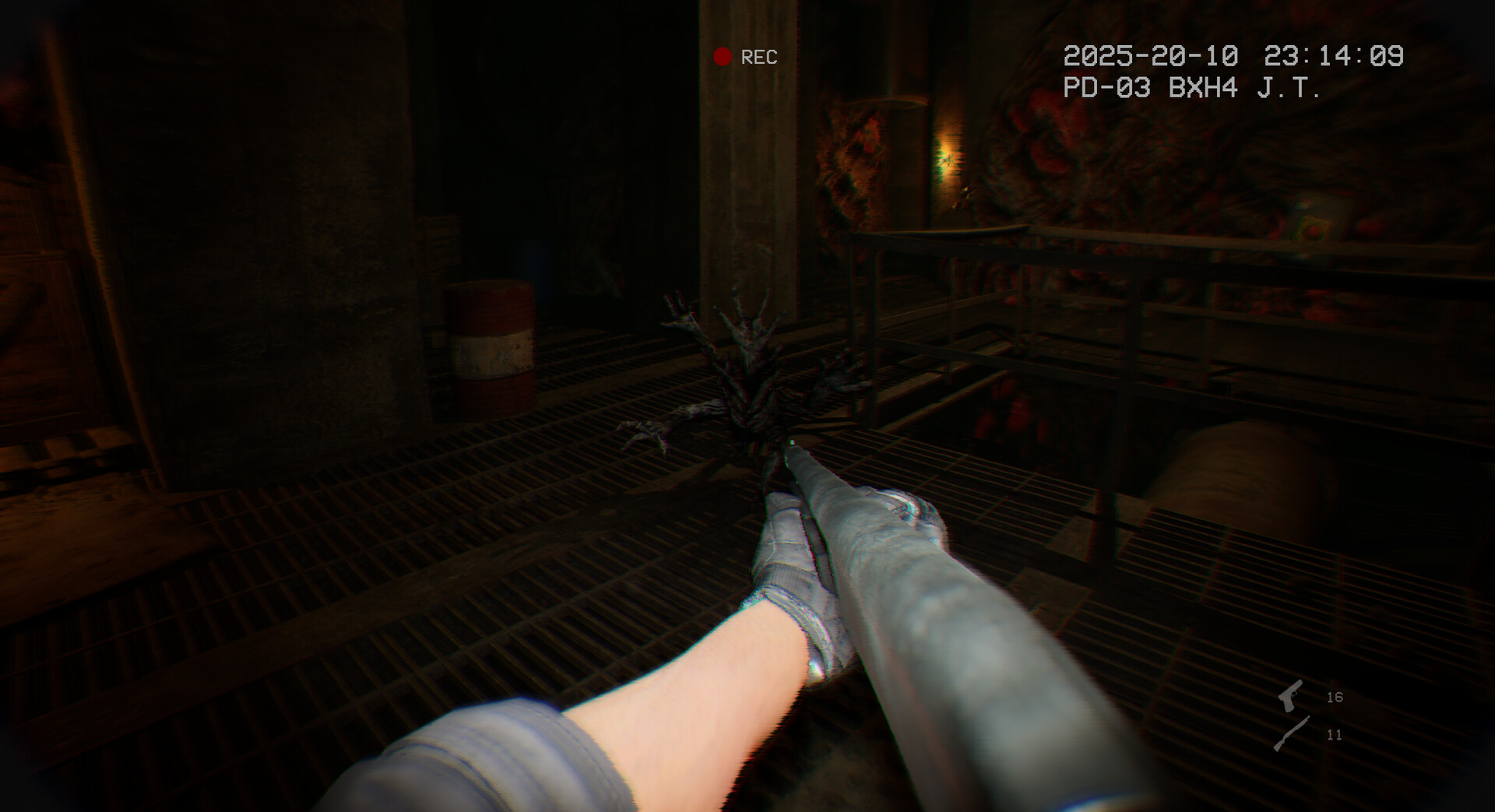
First Response
You play as Officer Daniels responding to a disturbance call at St. Mary's Hospital...
Descending into Darkness
The basement level holds the darkest secrets of the hospital...
What Really Happened
The final revelation changes everything you thought you knew...
Steam Community Signals
Patch-aware walkthrough notes
Final chapter progression
Steam News Patch #4 says a final chapter progression issue was fixed and a short ending sequence was added to better explain the story ending. If you are following older videos, expect the ending flow to differ slightly.
Generator interaction
Patch #4 also added a “Q to leave” tutorial on the generator widget. Community discussions mention the generator mechanic can feel unclear at first, so watch for the tutorial prompt before assuming you are stuck.

Quick Answer
Fast answer for players
Quick answer: It Reaches is best approached as a short bodycam survival-horror run where comfort settings, generator prompts, and late-game patch changes matter. If you get stuck near the final chapter, check Patch #4 notes and current Steam Discussions before assuming your save is broken.
Frequently asked questions
How long does an It Reaches walkthrough take?
Early Steam review signals commonly describe It Reaches as a compact horror experience, with some players reporting roughly 3–6 hours depending on exploration and difficulty.
What should I do if I cannot progress near the end?
Steam News Patch #4 says a final chapter progression issue was fixed. Update the game, reload the latest checkpoint, and check Steam Discussions for current bug reports.
Are older walkthrough videos still accurate?
Mostly, but Patch #4 added extra ending context and fixed progression issues, so launch-week videos may differ from the current build.
Spoiler-Aware Route Guide
How to use this walkthrough without ruining the game
The safest way to use an It Reaches walkthrough is to read only the layer you need. Start with non-spoiler survival habits, move to chapter hints only when blocked, and save ending interpretation until after the credits. Bodycam horror works best when the next room still feels uncertain.
Patch context matters. Steam News notes that Patch #4 fixed a final chapter progression issue and added ending context. That means launch-week videos can still help with general navigation, but they may not perfectly match the current build. If a video conflicts with your game, trust the current Steam patch notes first.
For a clean first run, pair this walkthrough with the endings guide after finishing and the community page when you need live bug reports or developer replies.
Common Mistakes
What usually gets players stuck
Most walkthrough problems in a compact horror game come from missing a prompt, rushing through a dark transition, using outdated video guidance, or playing an older build. Before you assume the save is broken, run through a clean checklist.
- Update the game and reread the latest Steam News if you are blocked near the final chapter.
- Slow down around generator interactions and look for the tutorial prompt added in patch notes.
- Do not copy a launch-week video blindly; it may not include the current ending sequence or fixed progression behavior.
- If you are lost, return to the last recognizable landmark instead of sprinting deeper into darkness.
- If the scene is readable but confusing, check Discussions; if the scene is unreadable, adjust brightness and comfort settings first.
This guide intentionally favors “nudge first, spoiler second.” The goal is to keep the bodycam horror intact while still giving players a reliable escape hatch when a prompt, route, or patch change gets in the way.