ENDINGS
All possible outcomes. Your choices define the truth.
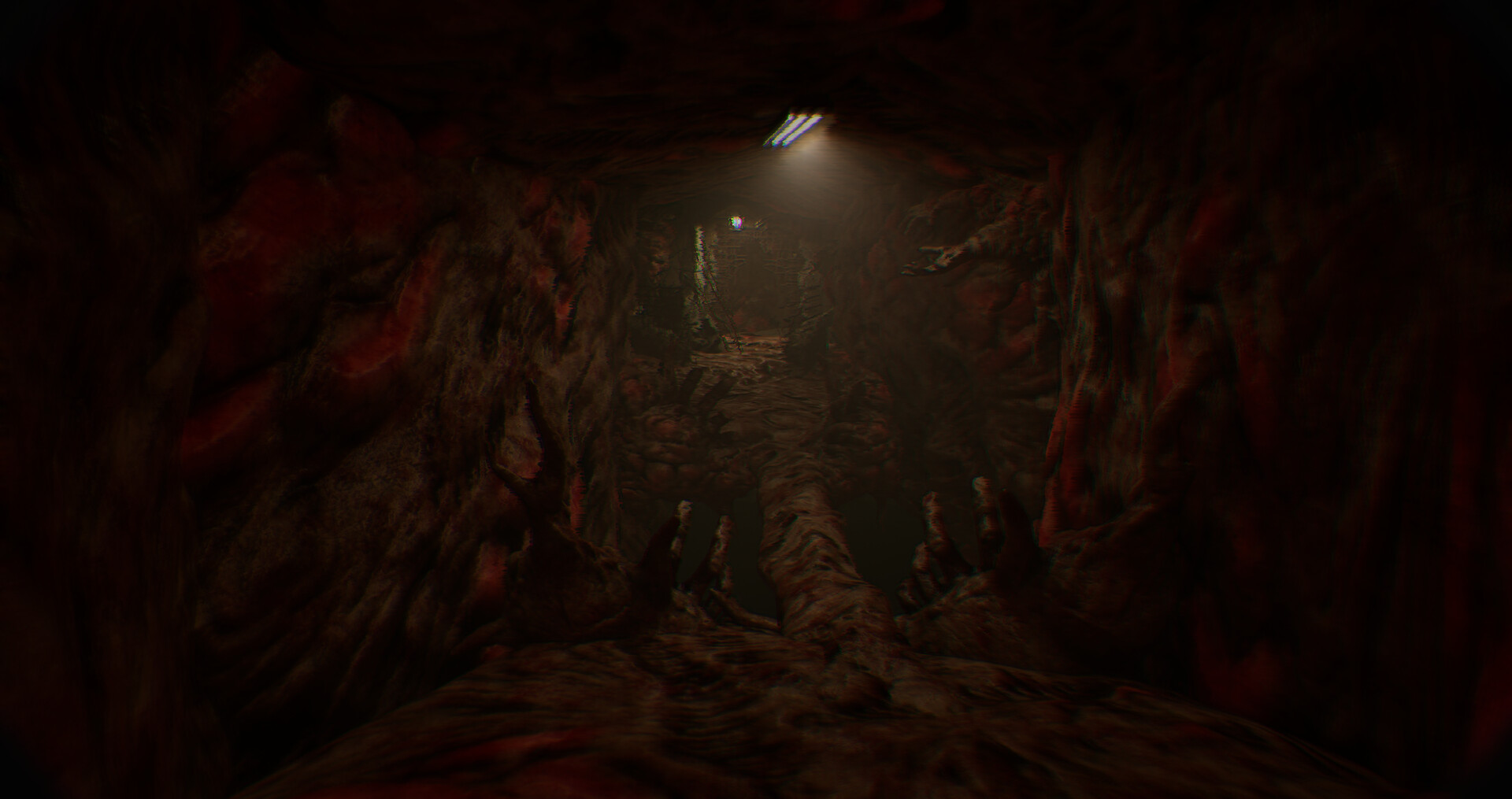
ENDING ROUTES AND UNLOCK NOTES
Use this page as a spoiler-aware reference for known ending routes, route labels, and unlock notes while playing It Reaches.
Survivor
Officer Daniels escapes with the evidence, exposing the conspiracy. The hospital is shut down, and the victims finally get justice.
Consumed
Daniels fails to escape. The entity claims another victim, and the cycle continues...
It Reaches Further
Collect all 12 hidden documents to unlock. Reveals the entity is part of something much larger...
Ending Update
Patch #4 added extra ending context
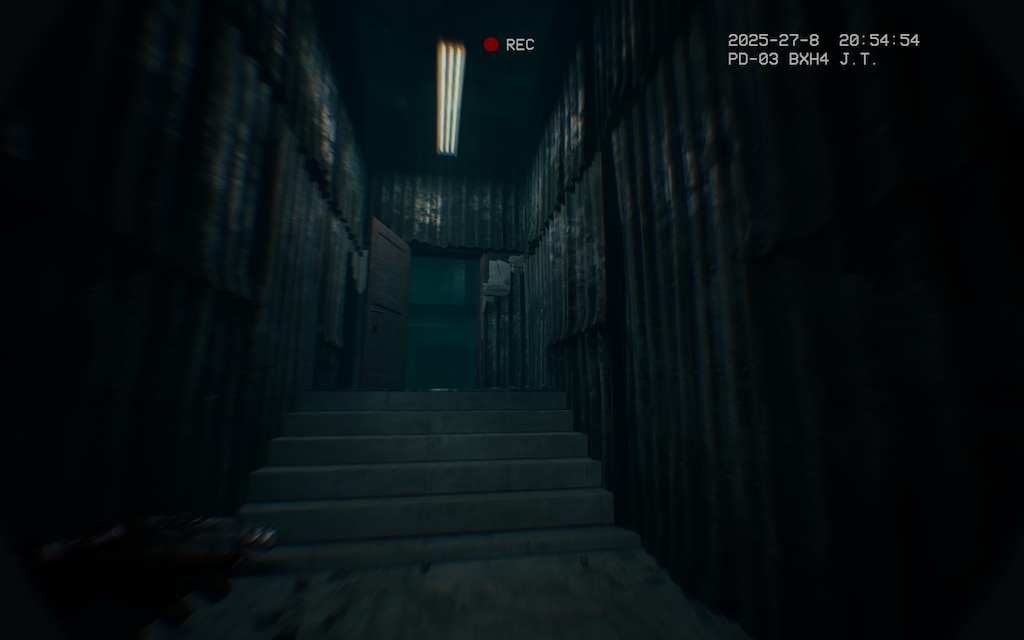
Steam News Patch #4 says the developers added “a short additional sequence at the end of the game to better explain the story ending.” That makes the current build more explicit than some launch-week recordings.
For spoiler-sensitive readers, this guide now separates mechanical ending advice from interpretation. Use the Steam Community videos only after finishing if you want to preserve surprise.
Read Steam News sourceQuick Answer
Fast answer for players
Quick answer: The current It Reaches ending flow should be read with Patch #4 in mind, because the developers added an extra sequence to better explain the story ending. Avoid community videos until after finishing if you want to stay spoiler-safe.
Frequently asked questions
Did the It Reaches ending change after launch?
Steam News Patch #4 says a short additional ending sequence was added to better explain the story ending.
Should I watch ending videos before finishing?
No, not if you care about spoilers. Use videos only after finishing or if you are troubleshooting.
Why do some ending explanations differ?
Older launch-week videos and posts may not include Patch #4 ending context, so they can differ from the current build.
Ending Interpretation Guide
Read the ending with patch context
The most important ending note is simple: do not mix old launch-week impressions with the current build without checking patch notes. Steam News says Patch #4 added a short additional sequence to better explain the story ending, so older community videos may stop before the latest context appears.
For spoiler safety, split the ending into three questions. First, what actions or route decisions moved you into the final sequence? Second, what changed after Patch #4? Third, which parts are confirmed by the game and which parts are community interpretation? Keeping those separate prevents the guide from turning speculation into “lore.”
If you reached a confusing final moment, the best next step is not immediately watching a random video. First verify that your game is patched, then read the official Steam News note, then check whether current Steam Discussions mention the same sequence. Only then use community videos to compare what you saw.
Related reading: the walkthrough covers spoiler-aware route help, while the community hub links live Steam sources for videos and discussion context.
Spoiler Zones
When to read each kind of ending help
Ending pages can easily ruin the strongest part of a horror game, so use this guide by intent. If you only need to know whether you missed content, stay in the mechanical layer. If you already finished and want interpretation, move to source comparison and community discussion.
If community explanations disagree, check dates first. An older explanation may be accurate for an older build but incomplete for the current one. Prefer official patch notes for what changed, then use community videos only to compare player-observed details.
Source Notes
Confirmed change vs. interpretation
The confirmed part is the patch-note statement that extra ending context was added. The interpretation layer is what players think that context means. This page keeps those separate so readers can understand the current ending without mistaking community theory for developer confirmation.
When in doubt, finish your own run first, then compare with current Steam News and recently dated community videos. That order preserves the scare and reduces the chance of following outdated footage.