TRY BEFORE YOU BUY
Experience the first 30 minutes of terror. No commitment required.
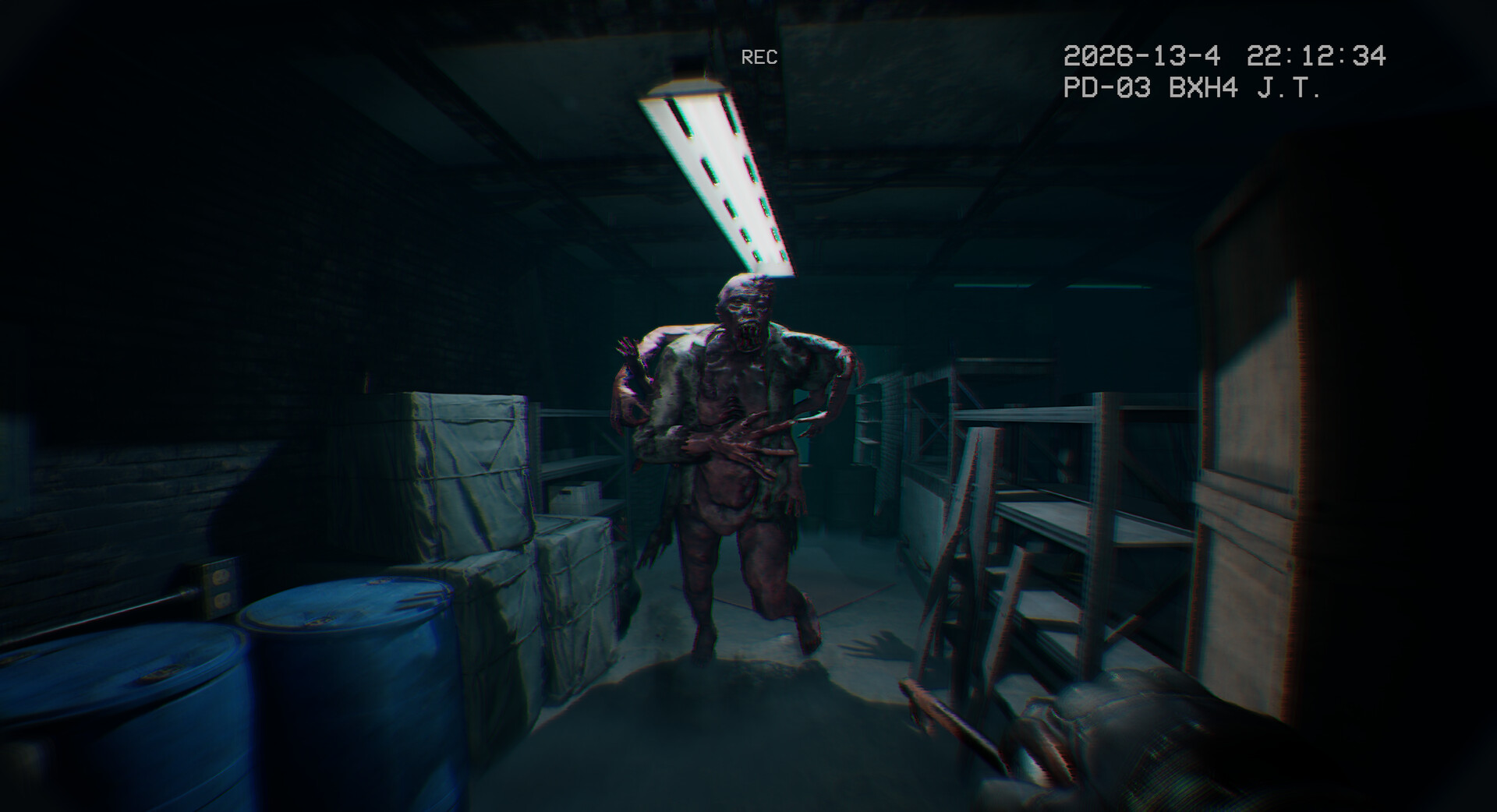
Steam Demo
Direct download via Steam client. Includes first chapter.
itch.io Demo
Standalone installer. No Steam required.
DEMO INCLUDES
Save progress carries over to full game. Demo ends at the basement elevator.
Demo Feedback Loop
What to test in the demo first
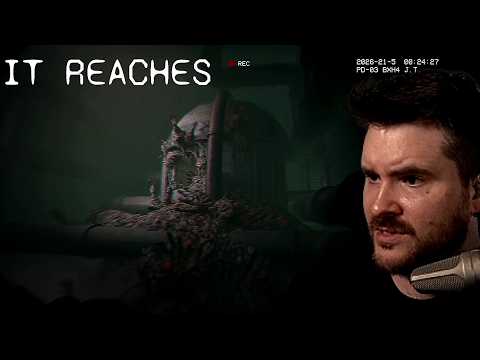
- Check whether the bodycam blur and camera shake are comfortable for you.
- Try generator interactions; community feedback says the mechanic is clearer once you understand the controls.
- Use the demo to judge jumpscare intensity, sound design, and aiming feel before buying.
- Patch notes show frequent launch-week fixes, so compare your experience against the latest build.
Quick Answer
Fast answer for players
Quick answer: The It Reaches demo is most useful as a comfort and performance test. Use it to evaluate bodycam blur, jumpscare intensity, generator interactions, aiming, and whether the horror style works for you before buying.
Frequently asked questions
What should I test in the It Reaches demo?
Test frame stability, camera comfort, sound intensity, generator controls, aiming feel, and whether the jumpscares are enjoyable for you.
Does the demo represent the full game?
The demo is a sample, not a full substitute. Steam News shows the full game received launch patches, so always compare against current Steam information.
Who should play the demo first?
Players sensitive to motion blur, camera shake, or intense jumpscares should try the demo before purchasing.
Demo Test Plan
A 10-minute test before buying
Use the demo as a structured test, not just a vibe check. First, watch whether the opening area stays readable on your monitor. Second, test camera comfort during movement. Third, check whether interactions and aiming feel responsive enough when tension rises.
If the demo passes those three checks, the full game is much easier to recommend. If the demo fails because of blur, shake, low FPS, or discomfort, adjust settings once and test again. If it still fails, waiting is smarter than forcing a purchase just because the spec table looks close.
After testing, compare your notes with the compatibility checklist, requirements guide, and live community signals.
Demo Decision Notes
What the demo can and cannot prove
The demo is the best low-risk test for comfort, performance, and tone, but it is still only a sample. It can show whether the camera language works for you, whether your machine handles representative scenes, and whether the horror style is enjoyable. It cannot prove that every later chapter, patch state, or ending sequence will feel identical.
Use the demo to answer buyer questions before opening your wallet: Do I like the bodycam framing? Can I read dark rooms without eye strain? Do sudden scares feel fun rather than annoying? Does my PC remain responsive when effects stack up? If the answer is yes, move to the full game with more confidence.
If the answer is mixed, check the settings and test again once. If the answer is still no, waiting is a valid decision. A free demo is valuable precisely because it lets you avoid forcing a game that does not match your hardware or comfort tolerance.
After testing, write down what failed: frame rate, blur, brightness, controls, scare intensity, or progression clarity. That note will make Steam Reviews and community discussions easier to interpret because you will know which caveats matter to you.